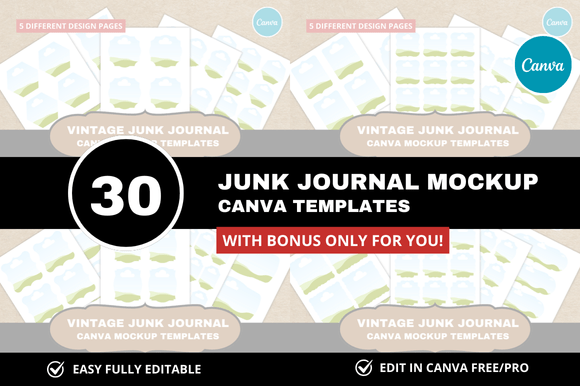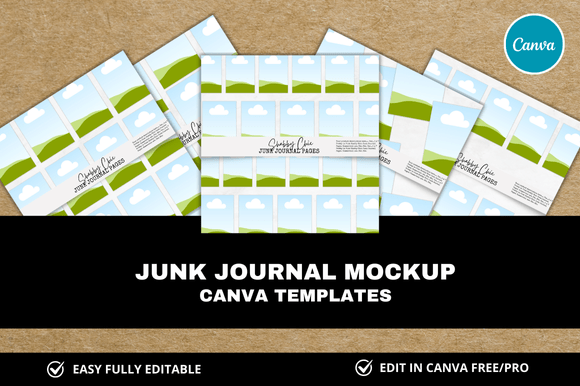
Junk Journal Printables Mockup
Creating a junk journal is a deeply personal and creative process, but it can also come with a fair share of practical hurdles. How do you know if your chosen printables will look cohesive before you print them? Will the scale of the images work with your journal’s actual pages? These are the kinds of questions that a junk journal printables mockup can answer before you waste ink, paper, or precious time. In this article, we’ll explore what a junk journal printables mockup is, why it’s a game-changer for both digital sellers and hobbyists, and how you can use one to streamline your journaling workflow.
What Is a Junk Journal Printables Mockup?
At its core, a junk journal printables mockup is a digital template or file that lets you preview how your printable elements will look when placed inside a journal. It simulates the physical journal—complete with page edges, rings, stitching, and even shadows—so you can arrange your digital ephemera exactly as you would in real life. Think of it as a virtual sandbox where you test layouts, experiment with color combinations, and adjust sizes before committing to a physical print run.
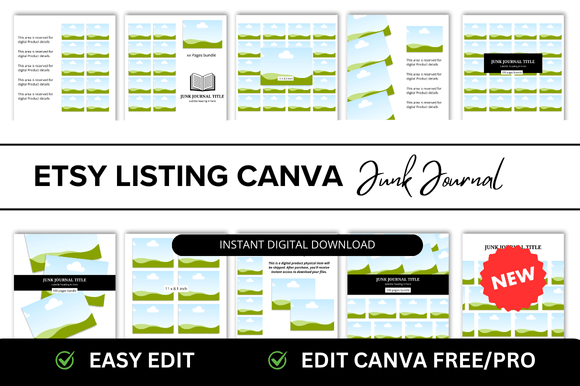
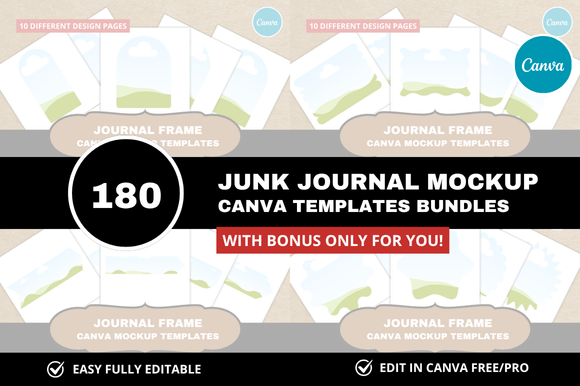
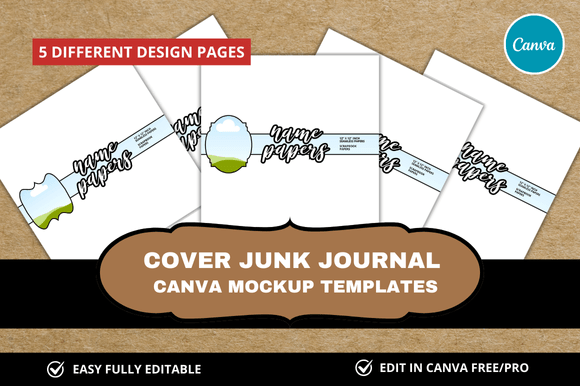
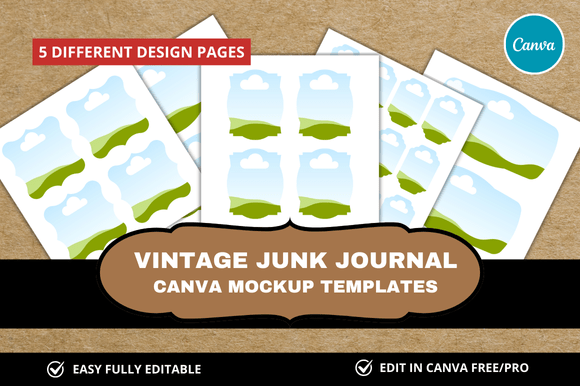
These mockups are usually layered files (often PSD files or editable PDFs) that contain placeholders. You simply drag your printable designs into those placeholders, and the mockup transforms them into a realistic preview. For sellers on platforms like Etsy or Gumroad, a high-quality mockup can make your listings stand out. For personal use, it saves you from the disappointment of a mismatched page spread.
Common Challenges That a Mockup Solves
If you’ve ever designed your own junk journal printables, you’ve likely faced these frustrations:
- Scale confusion. A digital image looks fine on screen, but once printed, it’s too large or too small for your journal.
- Layout clashes. You place two decorative papers side by side and realize the patterns compete.
- Ink waste. Printing multiple test pages until you get a pleasing arrangement drains your printer and your budget.
- Buyer hesitation. If you sell printables, customers want to see exactly how they’ll look inside an actual journal—a flat image doesn’t always convey depth or placement.
A junk journal printables mockup directly addresses each of these issues. It gives you a preview environment where you can resize elements, swap backgrounds, and see the final result with realistic shadows and page curves. This turns trial-and-error into a controlled, digital process.
How a Junk Journal Printables Mockup Helps You Work Smarter
Instead of printing five versions of the same page and spreading them on your desk, you can use a mockup to iterate quickly. Here are a few ways it makes a tangible difference:
- Visual prototyping. You can test different arrangements—belly bands, tucks, pockets, and tags—without cutting a single piece of paper.
- Color matching. See how your ephemera interacts with the journal’s background. A mockup can reveal if a particular paper is too dark or too bright for your intended aesthetic.
- Consistency across a set. When creating a collection of printables (for example, a six-page kit), you can ensure each spread has a balanced look. The mockup becomes your storyboard.
- Customer confidence. If you sell digital products, listing a mockup image—say, a flat lay of a half-open journal with your printables neatly arranged—can increase conversion rates. Buyers can immediately envision the product in use.
One practical example: imagine you’ve designed a set of vintage ledger papers and floral scraps. Without a mockup, you might print them all at 100% and find the florals overwhelm the ledgers. With a mockup, you can resize the florals to 70% and reposition them into a corner cluster, then preview the result before printing. That’s a solution that saves paper, ink, and mental energy.
Practical Applications for Different Users
Your approach to using a junk journal printables mockup will depend on your role and goals. Let’s break down a few common user types:
Digital Sellers and Designers
If you create and sell printable kits, a mockup is an essential sales tool. Use it to produce lifestyle images that show your products in context. You can place your printables inside a beautiful vintage journal, add a cup of coffee beside it, and capture a warm, appealing photo. This kind of imagery communicates the feeling of the journal, not just the graphics. Consider creating several mockups that show different spreads, so customers can see the full scope of your kit. A pro tip: adjust the mockup’s lighting and shadows to match the aesthetic of your brand.
Hobbyist Journalers
For personal use, the mockup is your planning assistant. Perhaps you have a specific journal with a particular paper color (like kraft brown or cream). Find or create a mockup that matches those dimensions and page color. Then use it to design your entire journal layout digitally. This is especially helpful if you love to incorporate interactive elements—like pockets that hold tags or spine slots for ribbons. You can test functionality in the mockup by imagining how pieces will fold and tuck.
Mixed-Media Artists
Artists who combine digital and physical elements can use a mockup to plan where to add texture later. For example, print your layouts, then add paint splatters or stitching. The mockup helps you avoid overcrowding the digital layer, leaving room for hand embellishment. You can even create a mockup of a finished page after adding physical elements, to document your work for a portfolio or social media.
Recommendations for Getting the Most Out of Your Mockup
To make a junk journal printables mockup truly useful, keep these considerations in mind:
- Match your journal size. Whether you use A5, 6x8, or a slim travelers notebook, find a mockup that matches your exact trim dimensions. Otherwise, your preview will be misleading.
- Look for smart layers. The best mockups have editable layers that let you hide or show elements like rings, stitching, or background papers. This gives you more control over the preview.
- Use a realistic color profile. Calibrate your monitor if possible. A mockup that looks perfect on screen but prints muddy is a waste. Many mockup creators include instructions for color management.
- Combine multiple mockups. Consider using a flat-lay mockup for product listings and a page-spread mockup for planning spreads. Each serves a different purpose.
- Don’t overcomplicate. It can be tempting to spend hours tweaking a mockup. Set a time limit. The goal is to save time, not to perfect a digital image that—remember—will eventually be printed and touched.
Outcomes You Can Expect
Integrating a junk journal printables mockup into your creative routine leads to several clear outcomes:
- Less waste. You’ll print only the layouts you’re happy with, conserving paper and ink.
- Better product quality. Whether for sale or personal use, your layouts will be more intentional and visually cohesive.
- Faster workflow. Once you’re familiar with the mockup, you can design a full journal spread in ten minutes instead of an hour of trial-and-error printing.
- Improved confidence. Seeing a realistic preview before you commit reduces anxiety about whether your design will “work.”
For sellers, the outcome extends to higher perceived value. A product page that features a mockup of your printables inside a beautiful journal communicates quality and helps justify your price. Buyers can see exactly what they’re getting, which lowers the risk of returns or negative reviews.
Different Approaches for Different Creative Styles
Not everyone uses a junk journal printables mockup the same way. You may fall into one of these stylistic camps:
- The Planner: You love structure. You use a mockup to map every page before you print. You might even number the pages and plan the flow of your journal cover to cover.
- The Experimenter: You enjoy serendipity. For you, the mockup is a playground—you drag elements in, shuffle them, and delete what doesn’t feel right. You rarely stick to a strict plan.
- The Minimalist: You use a mockup only to check scale and alignment. Once you’re satisfied, you print and work directly with physical paper. The mockup is a quick check, not a design suite.
- The Seller: You focus on presentation. You care about lighting, angle, and scene settings. You might invest in multiple mockup styles (open journal, closed journal, flat lay, angled view) to showcase your printable products from every angle.
Whichever camp you belong to, the core benefit remains: a junk journal printables mockup turns guesswork into a visual conversation between you and your journal. It’s a tool that respects your time and your materials.
Final Considerations
When you’re ready to try a mockup, look for neutral, well-constructed templates from trusted creators. Many free options exist, but consider paying for a set that offers multiple angles and high-resolution layers. A single well-made mockup can be reused dozens of times, making it a smart investment. Also, remember that a mockup is not a substitute for actual journaling—it’s a bridge. Use it to plan, but don’t let it stifle the spontaneous joy that makes junk journaling so rewarding.
Ultimately, a junk journal printables mockup empowers you to say “yes” to design choices with confidence. Whether you’re preparing a new shop listing or setting up a birthday gift journal for a friend, this tool helps you move from digital planning to physical creation with fewer hiccups and more delight. Give it a try on your next project, and notice how much smoother your process becomes.